How it works
Get your school running in four simple steps
Set Up Your School
Register your school, create branches, and assign branch managers — each with their own login and scoped access.
Configure Courses
Define courses, levels, pricing, and rooms. Assign teachers to branches and courses with individual pay rates.
Enrol Students
Use Book a Lesson to enrol students, collect payment, and automatically generate recurring weekly lesson schedules.
Track & Manage
Monitor attendance, track teacher hours, calculate payroll, and oversee revenue — all from one dashboard.
Everything you need to run your school
One platform for admin, managers, and teachers
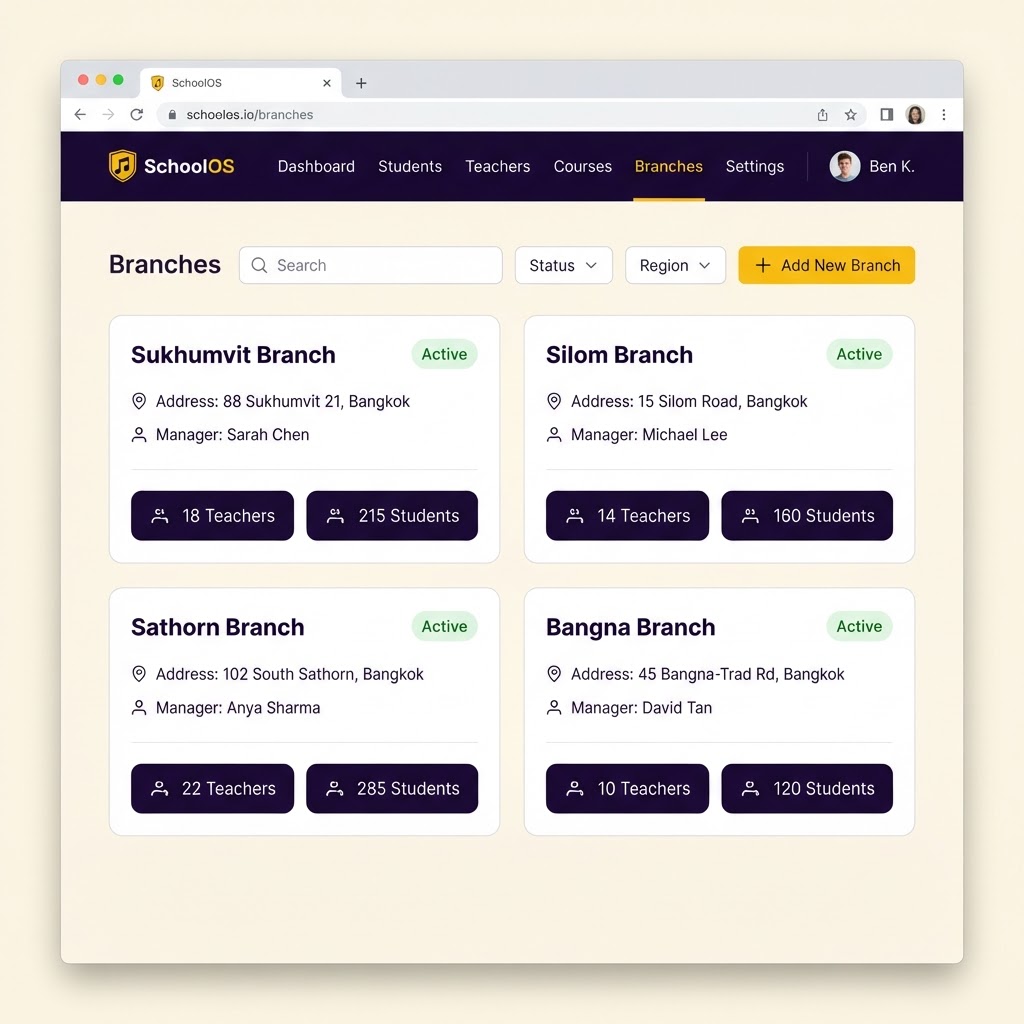
Multi-Branch Management
Centralized control across all your school locations with branch-level isolation and dedicated managers.
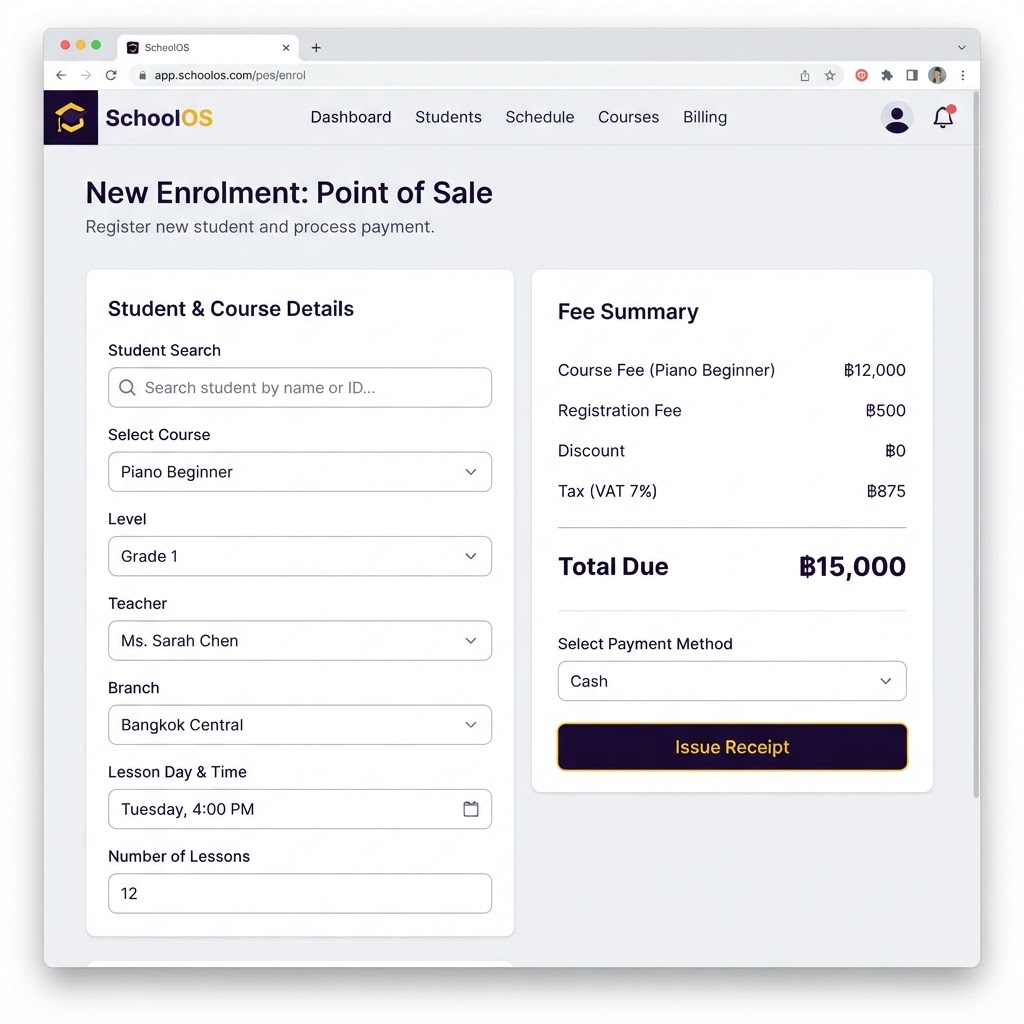
Book a Lesson
Enrol students, generate receipts, and auto-schedule weekly lessons in a single transaction.
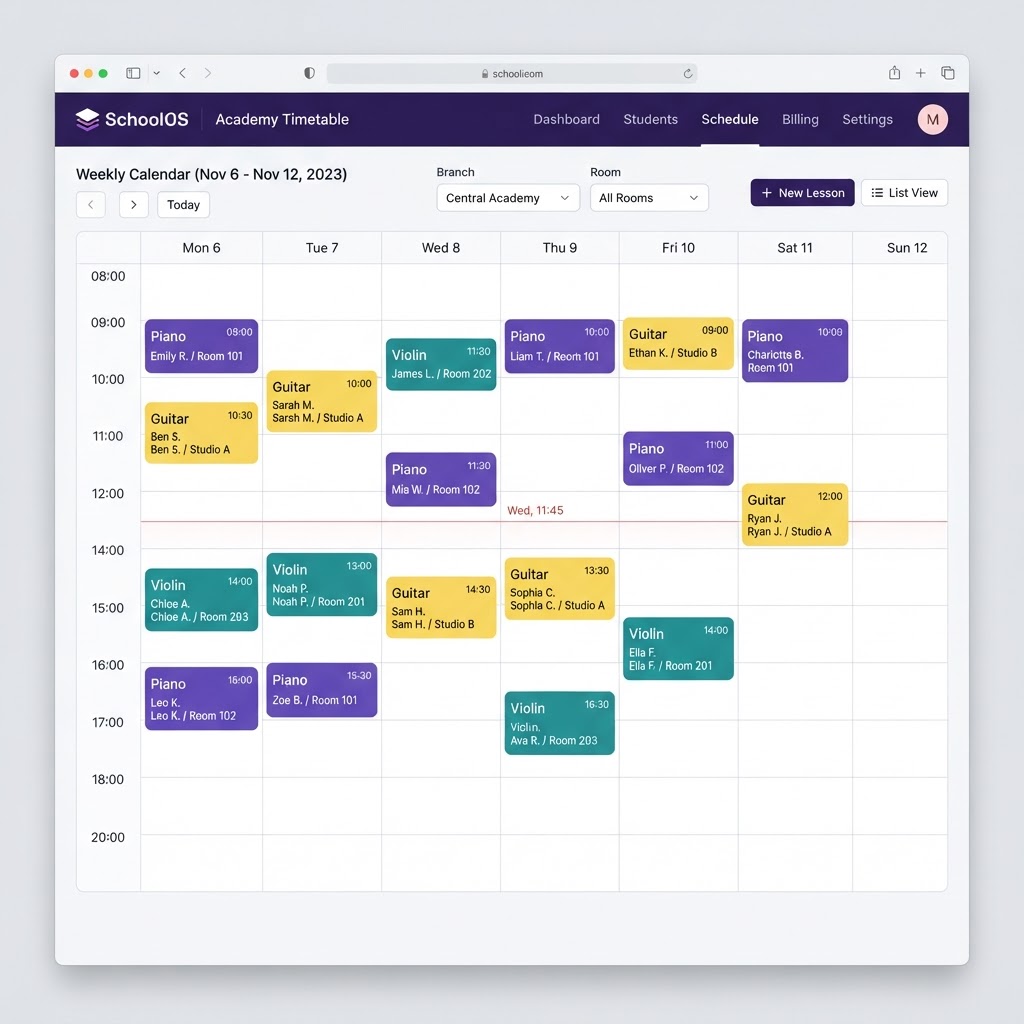
Smart Timetable
Room-by-room scheduling with attendance tracking and real-time capacity management.
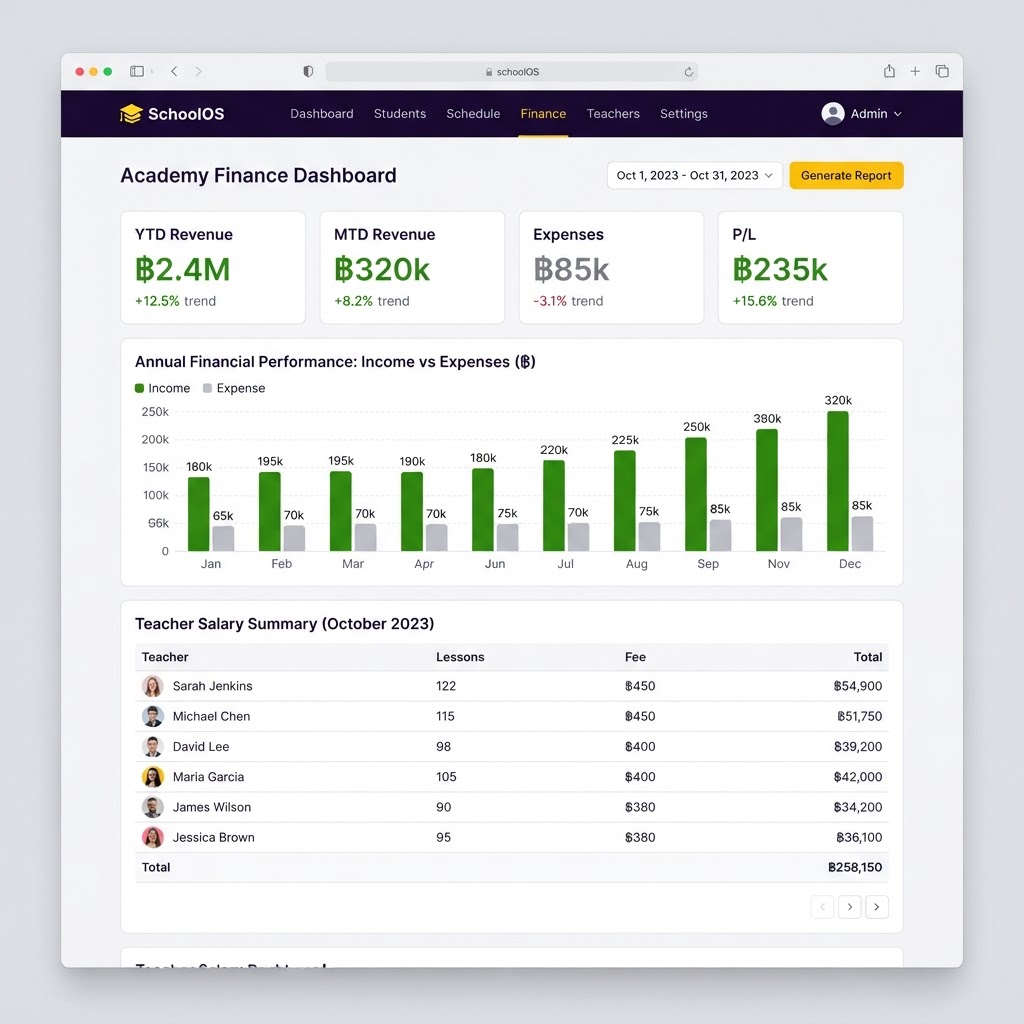
Payroll & Finance
Automatic teacher fee calculation, salary tracking, and revenue dashboards across branches.
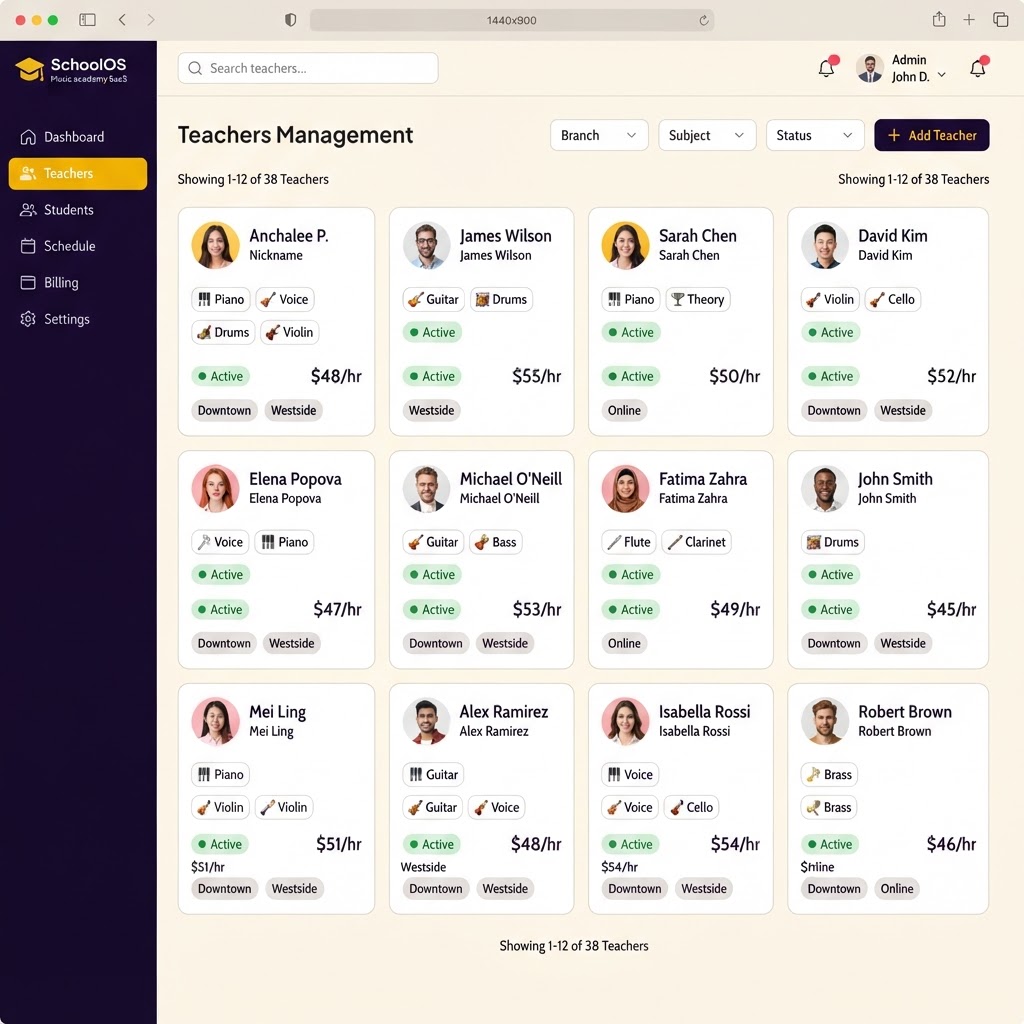
Teacher Profiles
Complete staff management with pay rates, availability, multi-branch assignments, and bank details.
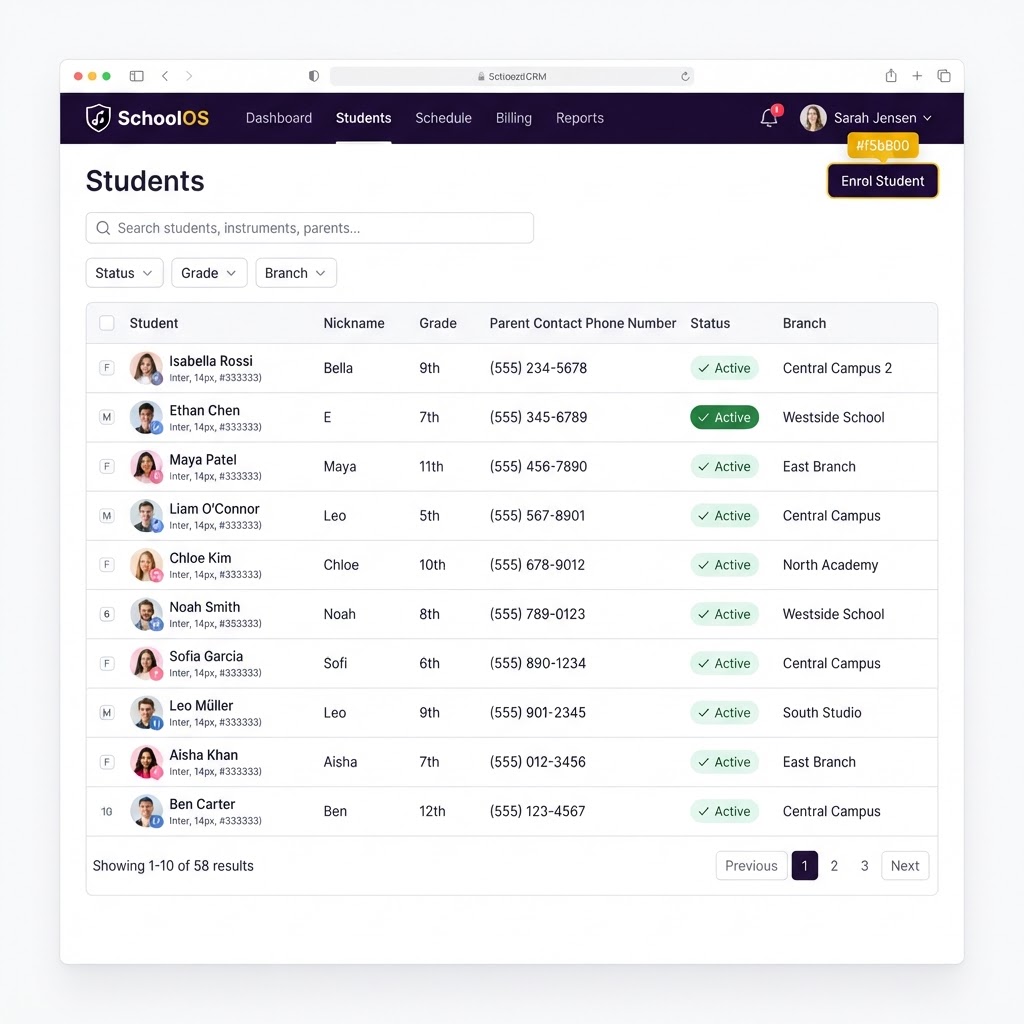
Student CRM
Full student and parent records with medical notes, emergency contacts, and enrolment history.
Meet Rudy, your school's AI assistant
Rudy lives inside SchoolMS. School admins and branch managers simply type a question — Rudy walks them through the setup steps from the user manual, or pulls the numbers straight from their own records and explains them.
Answers in plain language
Ask "how do I book a lesson and issue a receipt?" and Rudy replies with the exact steps, taken from the SchoolMS manual.
Runs reports on your own data
Revenue by branch, outstanding payments, students running low on lessons — answered from your school records, with a table you can download.
Scoped to the right level
A school admin sees the whole school. A branch manager only ever sees their own branch.
Ask Rudy about SchoolMS
General questions only — never your school's data

Rudy
Answers about SchoolMS — no school data
Try asking
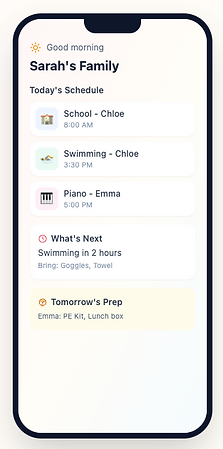
Every booked lesson lands in the FamlyApp calendar
SchoolMS keeps your lessons in sync with the FamlyApp, the family app your parents already use. Bookings, times, and teachers stay up to date on their phones, with nothing to maintain by hand.
- Every lesson booked in SchoolMS appears in your family calendar automatically.
- See the date, time, teacher, and branch of each lesson at a glance.
- Free for parents, with the FamlyApp keeping everyone organised.
Free to use · famly.omnistechnologygroup.com

Built for every role
Each user gets a tailored experience
School Admin
Full oversight across all branches, revenue, staff, and operations.
Create school account →Get in touch
Have a question? We'd love to hear from you.